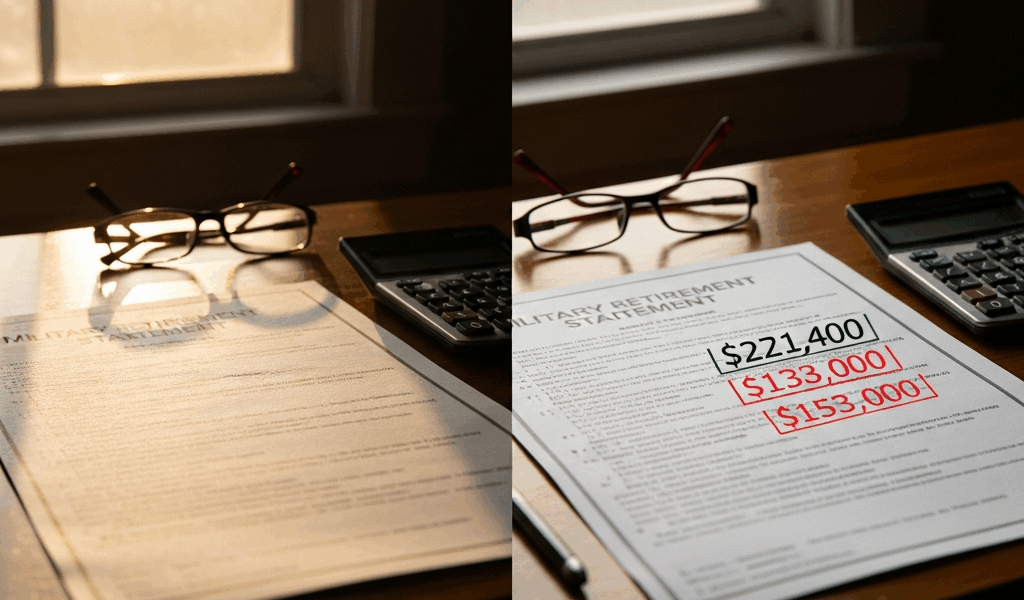
What COLA Actually Means for Your Retirement Check
Military retirement pay has gotten complicated with all the misinformation flying around — especially when it comes to COLA.
But what is COLA? In essence, it’s an annual percentage increase applied to your military retirement pay to keep pace with inflation. But it’s much more than that. It’s a legally mandated formula — nobody votes on it, nobody approves it, and your branch commander has exactly zero input. The calculation runs automatically every October. The Secretary of Defense can’t touch it. Congress doesn’t debate it. The moment the Labor Department drops its Q3 numbers, your COLA is already decided.
That’s what makes COLA endearing to us retirees — it’s one of the few things in the federal system that genuinely runs on autopilot.
How the COLA Percentage Gets Calculated Each Year
So, without further ado, let’s dive in. The Bureau of Labor Statistics tracks something called the CPI-W — Consumer Price Index for Urban Wage Earners and Clerical Workers. Every October, they publish the average of July, August, and September’s CPI-W values. That’s your Q3 average. Your COLA is simply the percentage change between this year’s Q3 average and last year’s Q3 average.
Real numbers make this click faster. In 2023, the Q3 CPI-W average landed at 318.504. In 2024, that same Q3 average came in at 328.525. Run the math: (328.525 minus 318.504) divided by 318.504 equals 0.0315. Round it. That’s 3.2%. Exact figure announced October 2024. No rounding tricks, no political interference — just arithmetic.
Now put it against an actual check. Say your retirement base pay sits at $2,400 a month. Multiply $2,400 by 1.032 and you land at $2,476.80. That’s your new monthly rate starting January 1st. Bump that base up to $3,500 — same 3.2% gives you $3,612 flat. The percentage applies uniformly regardless of your base amount. With one major exception, which I’ll get to right now.
You can verify every historical CPI-W data point yourself directly on the Bureau of Labor Statistics website. Don’t take anyone’s word for it — including mine.
High-3 vs BRS Retirees Get Different COLA Treatment
Probably should have opened with this section, honestly. It affects roughly half of today’s military retirees and most articles gloss right over it.
Legacy retirees — High-3, sometimes labeled CRDP or REDUX depending on your specifics — receive the full COLA percentage. All of it, no reduction. A 3.2% COLA year means a 3.2% increase on your check. Clean and simple.
BRS retirees under age 62 get something different. It’s called the “diet COLA” — officially COLA minus one full percentage point. That 3.2% year? BRS retirees under 62 see 2.2%. One whole point just evaporates from your adjustment. Every year until you hit 62.
Then at 62, something actually good happens. You receive a one-time catch-up adjustment covering every year you absorbed that one-point reduction. After that single catch-up, full COLA applies going forward like any legacy retiree.
Here’s a concrete side-by-side. Two retirees, both starting from a $2,400 base. One legacy High-3, one BRS at age 58. COLA year is 3.2%:
- Legacy retiree: $2,400 × 1.032 = $2,476.80 per month
- BRS retiree (under 62): $2,400 × 1.022 = $2,452.80 per month
That’s $24 less per month. Over a full year, $288 gone. It stings — especially compounded across several years before you hit 62. Don’t make my mistake of glossing over your retirement system paperwork and assuming all COLAs work the same way. Check your category first.
When COLA Is Announced and When It Hits Your Account
Timing confusion causes genuine panic every single January. Here’s exactly how the calendar works.
October: the Social Security Administration announces the COLA percentage. In 2024, that announcement dropped in early October — 3.2%, confirmed. Retirees saw the headlines, did their math, marked their calendars. Then January 1st arrived. COLA adjustments always take effect January 1st. That’s the effective date, written in statute.
Here’s where the panic sets in. DFAS pays retirees one month in arrears. Your January 1st increase doesn’t appear in a check that hits your bank in late January — it appears in your early February deposit, covering the January 1–31 period at the new adjusted rate. That’s just how the payment calendar runs.
I’m apparently wired to check my bank account immediately, and myPay works for me while phone calls to DFAS never actually resolve the anxiety fast enough. I’ve talked with dozens of retirees who saw the old amount hit in late January and immediately assumed DFAS made an error. Nothing was wrong. The February deposit carried the corrected rate the whole time.
Want to confirm early? Log into myPay and pull your Leave and Earnings Statement for January. The new gross amount will be right there. The LES is truth — if the adjusted figure shows up on your January LES, the money arrives in your February direct deposit. That simple.
What to Do If Your COLA Adjustment Looks Wrong
Pull up your DFAS pay statement and go line by line. Three situations create most of the confusion.
Scenario one: You’re BRS, under 62, expected 3.2% and only got 2.2%. You didn’t miss anything. That’s the diet COLA cutting one full point automatically. Check your date of birth against January 1st of the adjustment year. Under 62? Smaller increase is correct. Nothing to dispute.
Scenario two: You retired mid-year and this is your first COLA adjustment. Your increase gets prorated based on how many months you actually received retirement pay during the previous calendar year. Retired in September? You collected four months of pay that year. Your first COLA applies only to that partial-year accrual. This one is genuinely confusing — call DFAS directly rather than trying to work backwards yourself.
Scenario three: Your gross pay went up correctly, but your net deposit didn’t reflect it. Check your SBP premium, any VA waiver offset, and your federal tax withholding. All three can shift independently of your COLA increase. The raise happened — other deductions absorbed it or increased simultaneously.
None of those explain it? Call DFAS at 1-800-321-1080 — that’s the dedicated retiree line — during regular business hours. Have your Social Security number and myPay credentials ready before you dial. Ask them specifically to walk through your January pay statement line by line. They’ll show you exactly where the COLA adjustment sits and what’s eating into your net.
Every October when that announcement drops, you’ll know precisely how the number was calculated, which version applies to your retirement category, and exactly which deposit will finally reflect the change. No mystery left in any of it.



Stay in the loop
Get the latest dod retire.com updates delivered to your inbox.